![Carmanah-2018-White-Logo-Web.png]](https://4118923.hs-sites.com/hs-fs/hubfs/Carmanah-2018-White-Logo-Web.png?height=50&name=Carmanah-2018-White-Logo-Web.png)
Product applicability
The following products are discussed in this article:
- MX Series: R920-MX, R829-MX, R247-MX and CHEVRON-MX


To commission your MX system after it has been and installed and turned on please see the applications listed below:
| Application | Procedure | MX Field App |
|
Crosswalk - RRFB
|
|
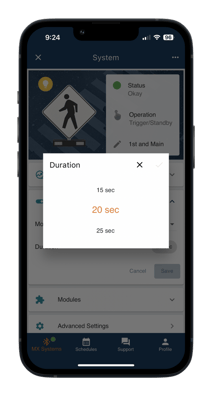 |
|
Crosswalk - Beacon
|
|
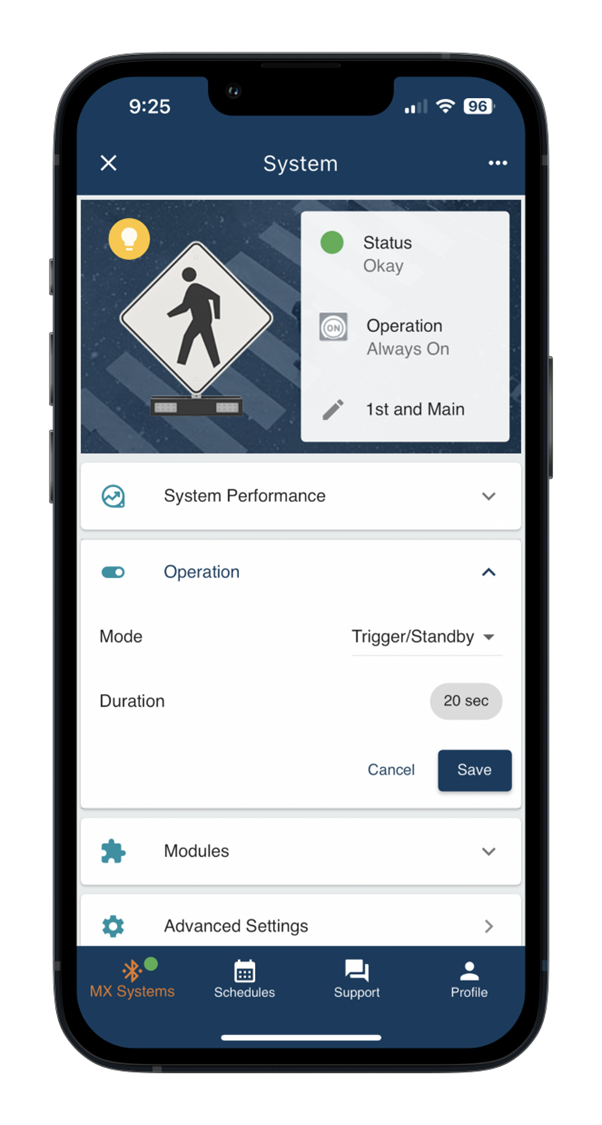  |
|
School Zone Beacon
|
|
|
|
School Zone Beacon with Pedestrian Activation |
|
|
|
24-Hour Beacon
|
|
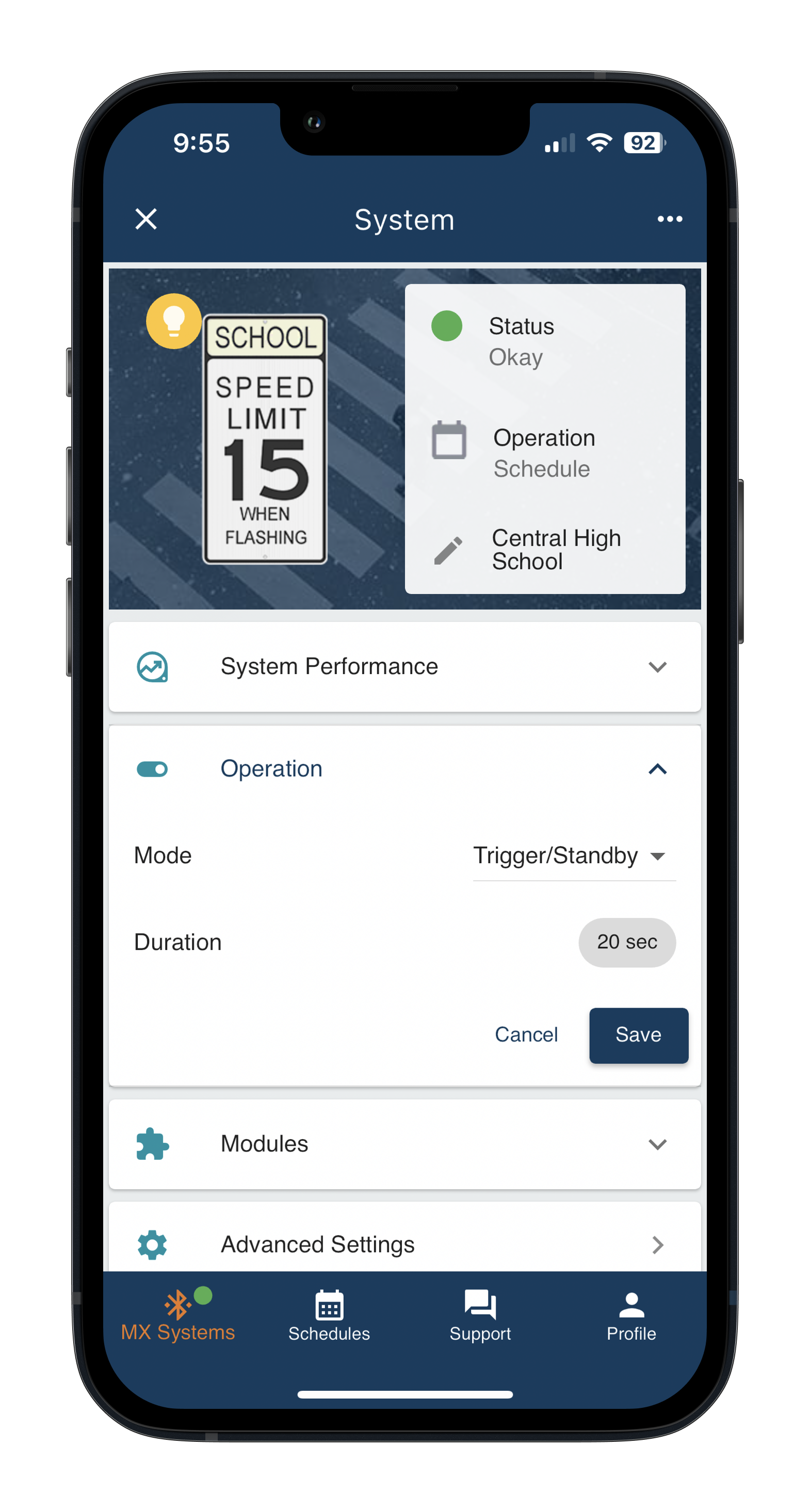 |
|
Radar-Triggered Warning Sign
|
|
|
|
Horizontal Alignment (Chevron LED Sign)
|
|
|
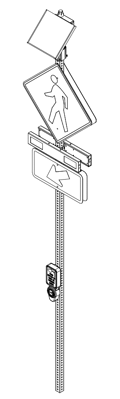


For more information please see our MX Series manual and guides here.
RRFBs are unique. Once powered up they will apply default Network Settings to where all local RRFBs can communicate with each other. RRFBs that are in the immediate vicinity (line of sight of up to 1000’) will trigger each other when using these default Network Settings.
If you have crosstalk between multiple crossings nearby you will want to follow the steps for breaking the Link and creating a new one as shown in the MX Field App guide.